Welcome to Smart CSC Tool
Complete Toolkit for CSC VLE's – Fast, Easy & 100% Free
Oops! No tool found for your search.
Complete Information on Our Premium Tools
Below are the details for each of our tools. Learn what each tool is used for and how to use it easily.
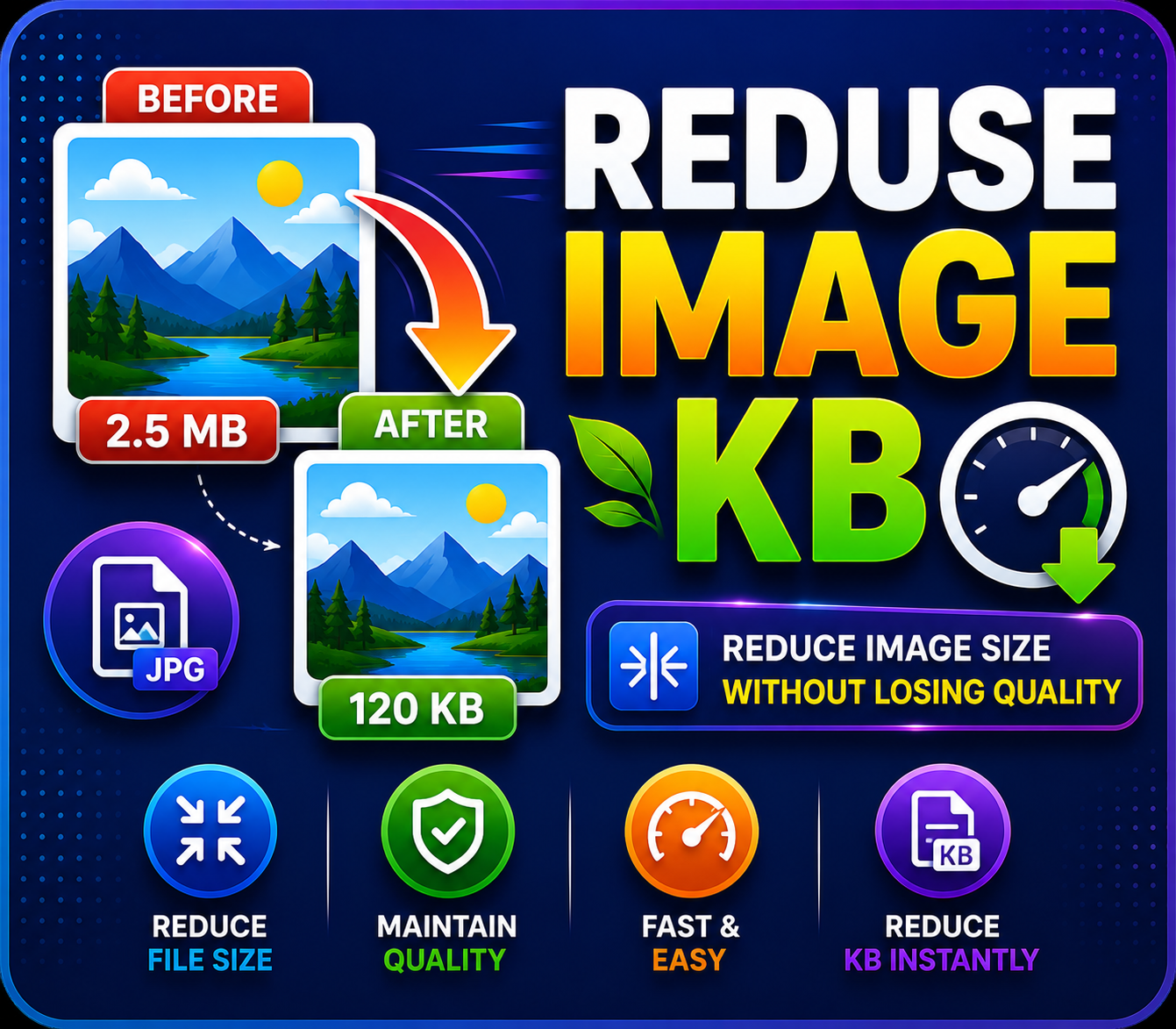
Reduce Image KB
Purpose: To compress the file size (from MB to KB) of photos or documents for online forms without losing quality.
How to Use: Upload your photo, enter the required KB size, and click 'Compress' to download.
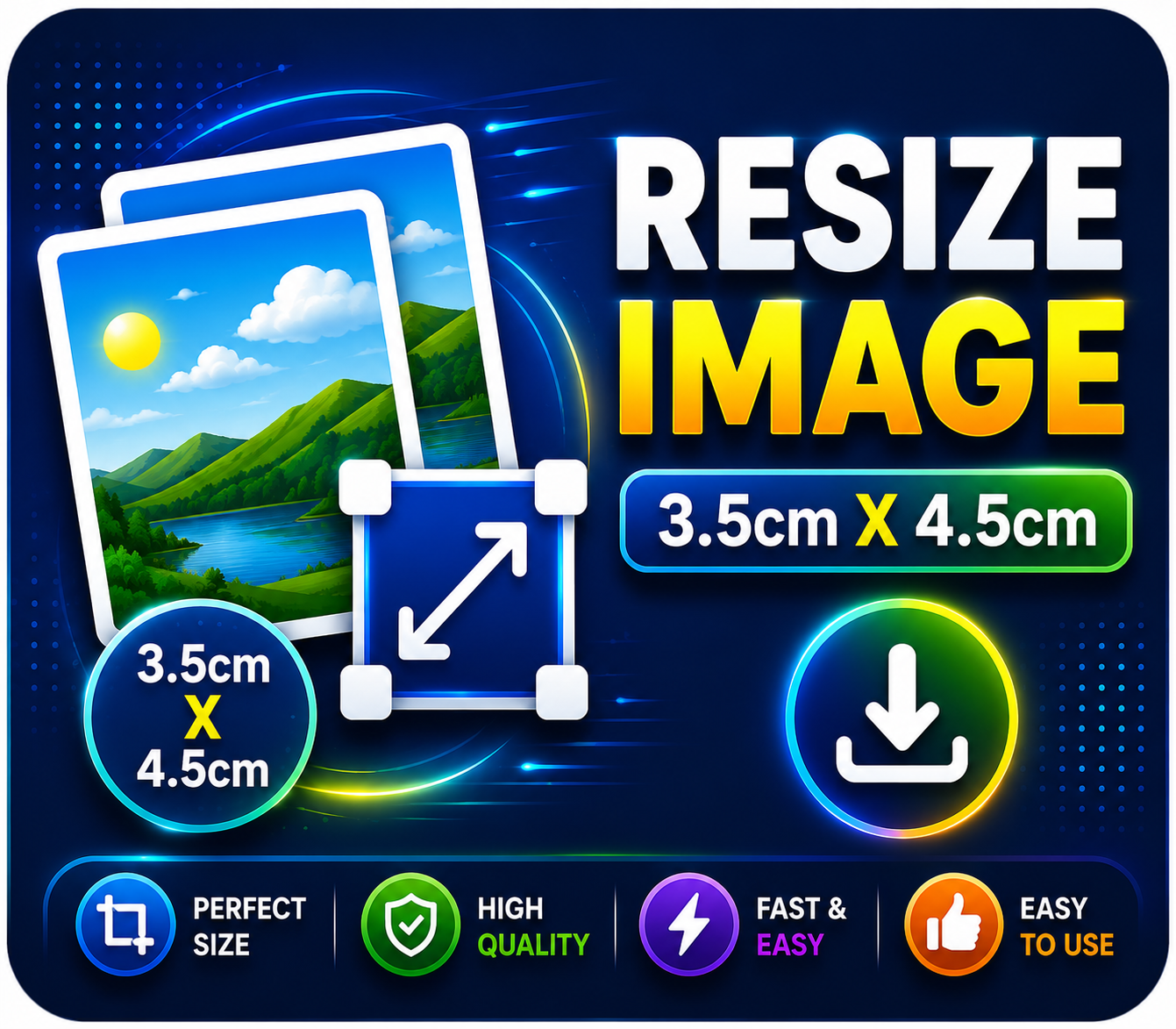
Resize Image (3.5x4.5cm)
Purpose: To strictly crop and resize any random photo into standard passport size dimensions (3.5cm x 4.5cm).
How to Use: Select a photo, and the tool will automatically set it to passport size dimensions. Just click download.
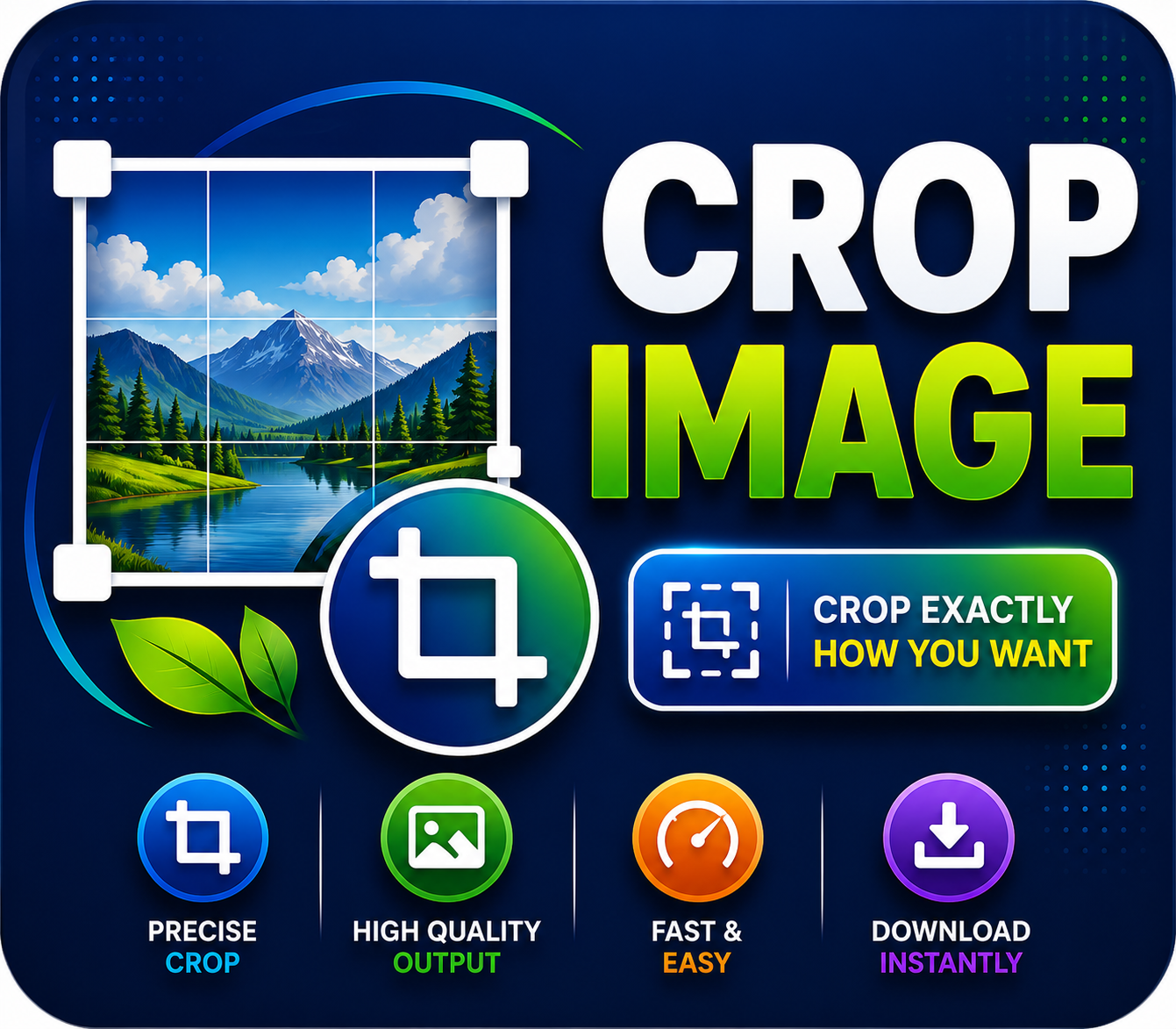
Crop Image
Purpose: To cut out unwanted background or extra parts from a photo or document.
How to Use: Upload the image, select the area you want to keep using your mouse or finger, and click crop.
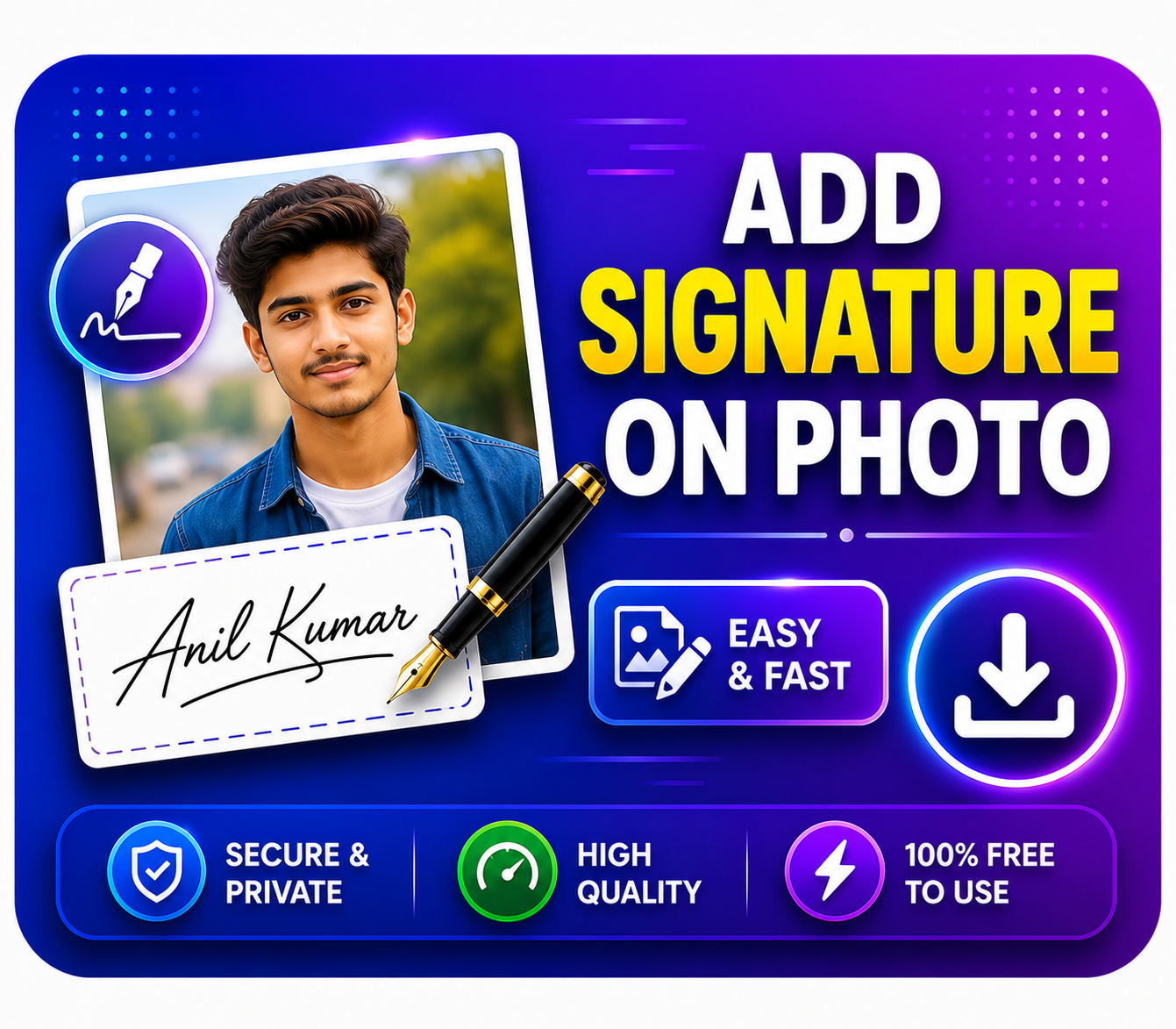
Add Signature On Photo
Purpose: To attach your signature directly below a passport-sized photo, often required for government job applications.
How to Use: Upload your photo and your signature separately; the tool will merge them into a single image perfectly.
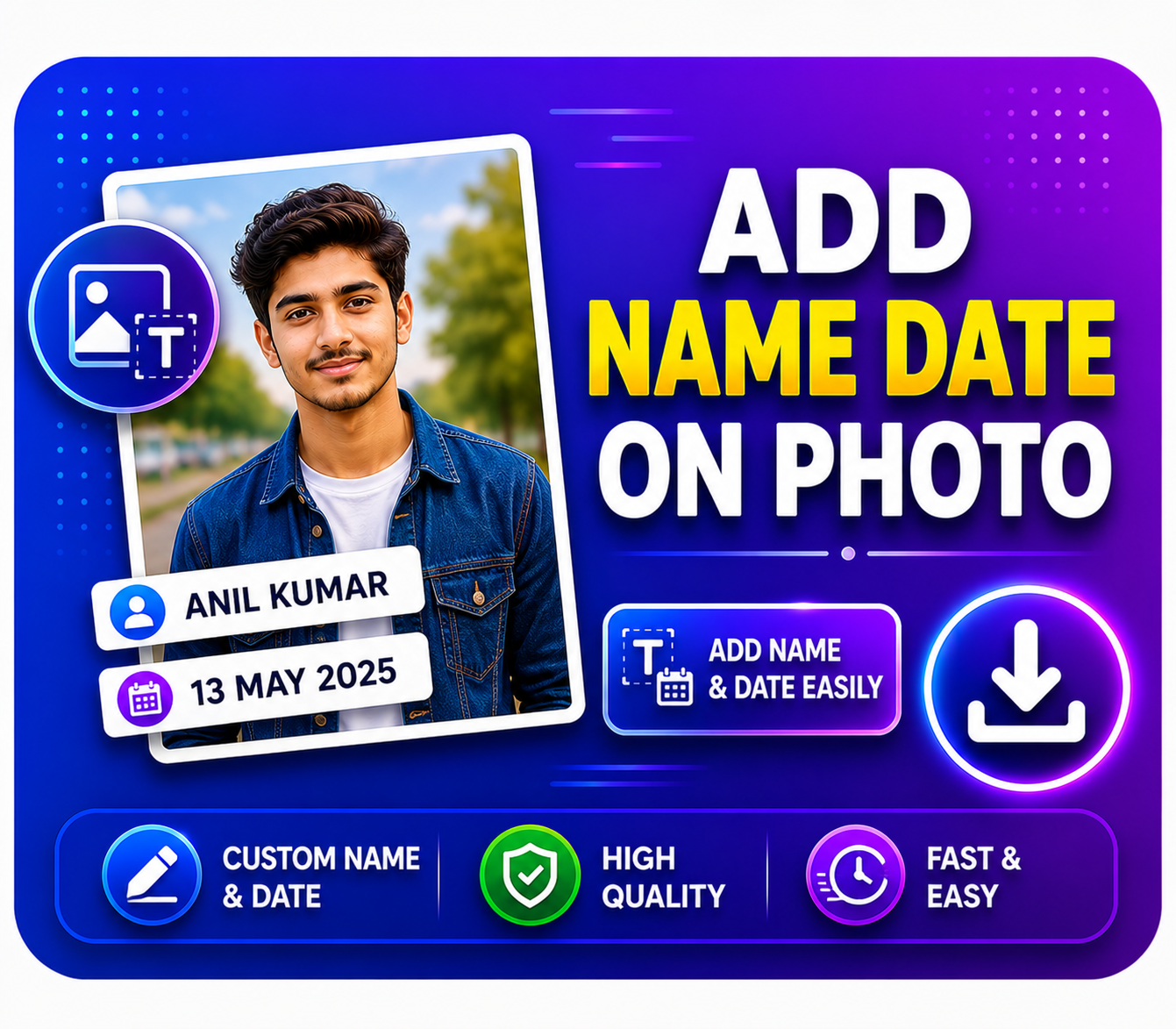
Add Name & Date On Photo
Purpose: To print your name and the date of photography on your passport photo for SSC, Railway, or Police recruitment forms.
How to Use: Upload your photo, type your Name and the Date of Photo, and click generate.
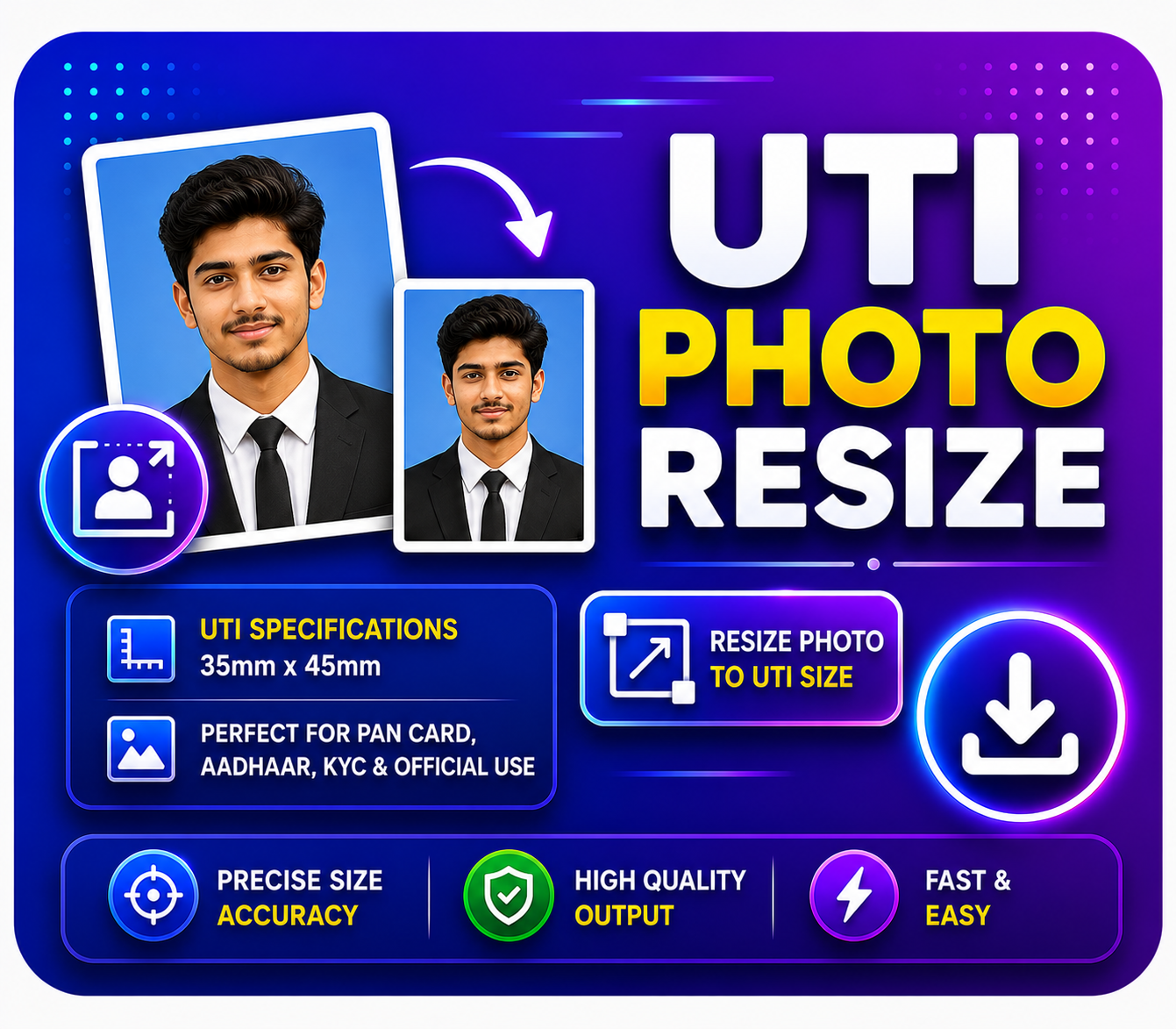
UTI Photo Resize
Purpose: To automatically resize and format photos according to the strict guidelines of the UTI PAN Card portal (213x213 px, 300 DPI, <30KB).
How to Use: Upload a normal photo, and the tool will instantly convert it to the exact UTI specifications.
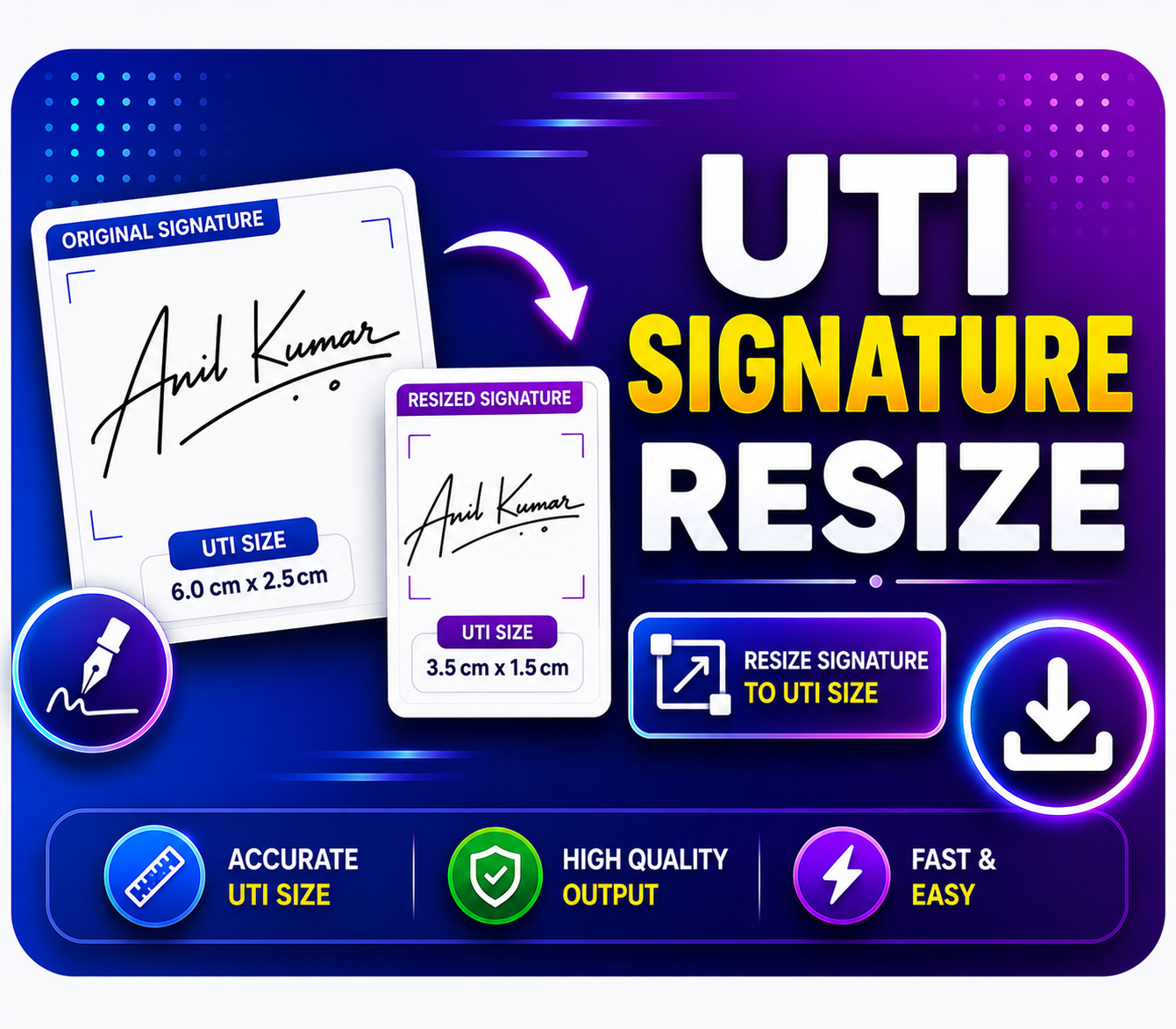
UTI Signature Resize
Purpose: To format signature files to <60KB and 600 DPI specifically for uploads on the UTI PAN portal.
How to Use: Upload the signature, crop it if needed, and download the UTI-ready signature file.
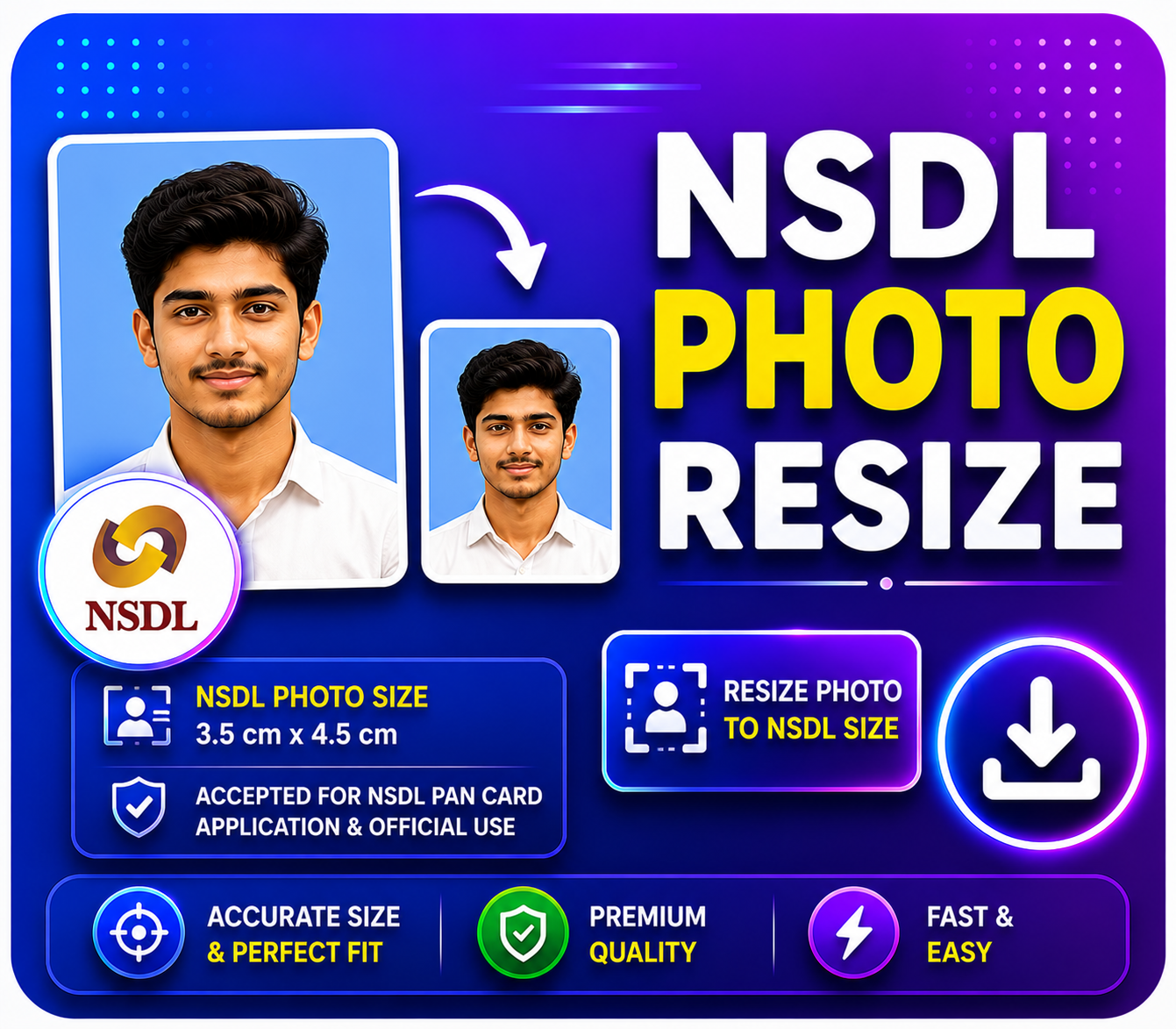
NSDL Photo Resize
Purpose: To resize photos to the exact parameters required by the NSDL portal to prevent PAN application rejections.
How to Use: Upload the photo, click 'Resize for NSDL', and upload it to the portal without any errors.
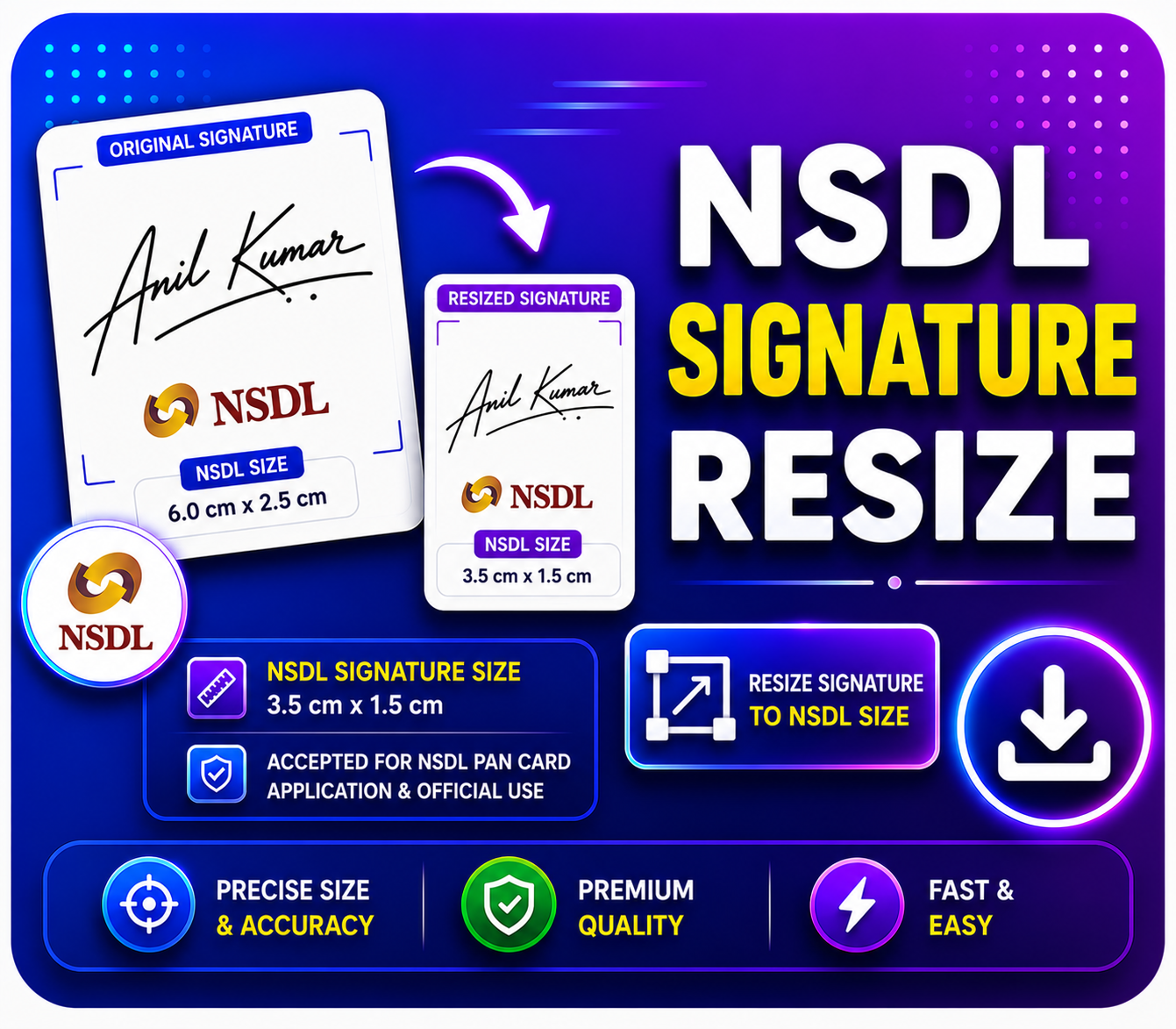
NSDL Signature Resize
Purpose: To fix the file size and dimensions of signature images perfectly for the NSDL portal.
How to Use: Upload the customer's signature, and download the NSDL-ready file for direct upload.
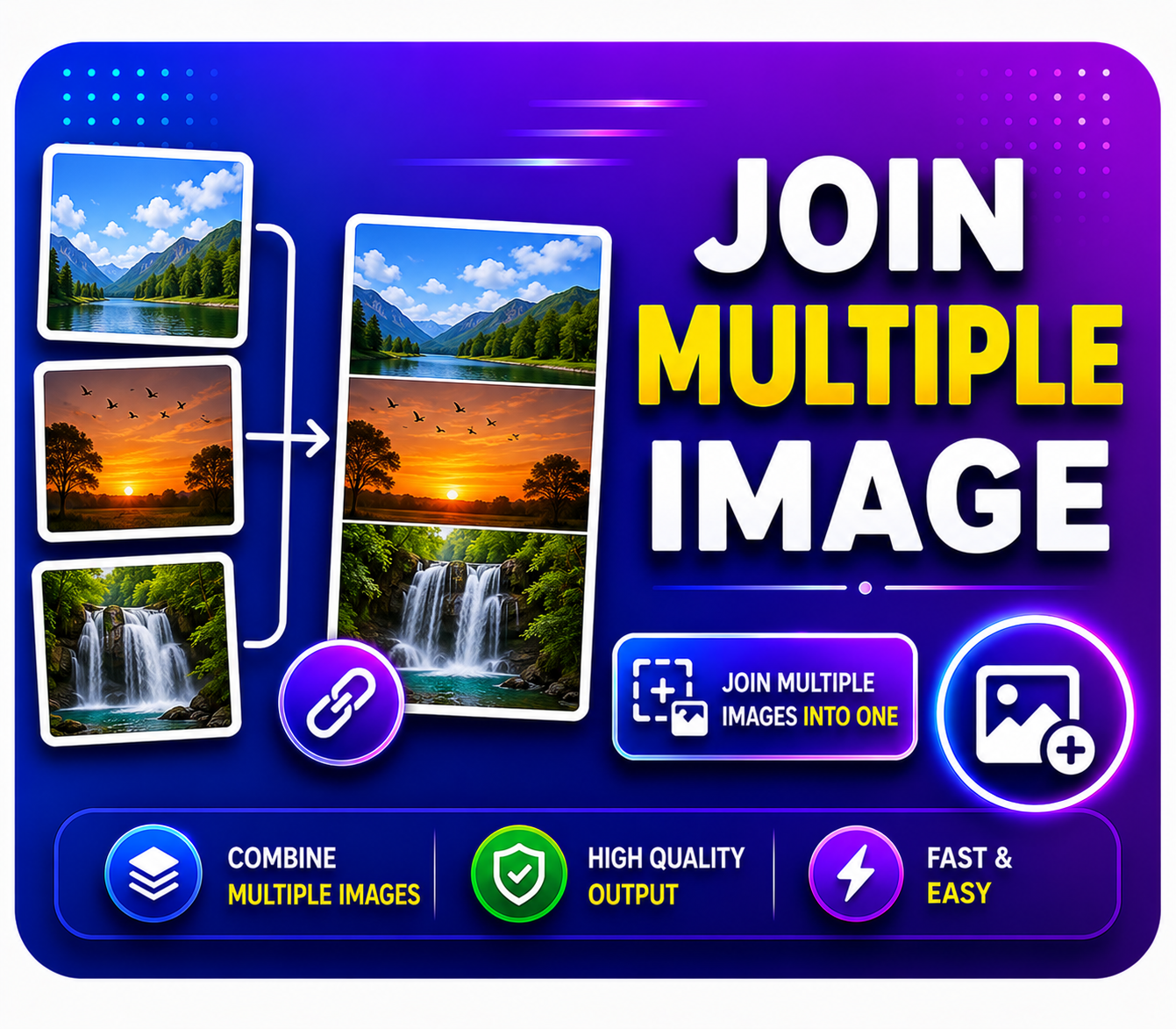
Join Multiple Image
Purpose: To combine 2 or 3 separate images (like the Front and Back of an ID card) into one single photo.
How to Use: Select all the photos you want to merge, choose a layout (vertical/horizontal), and click join.
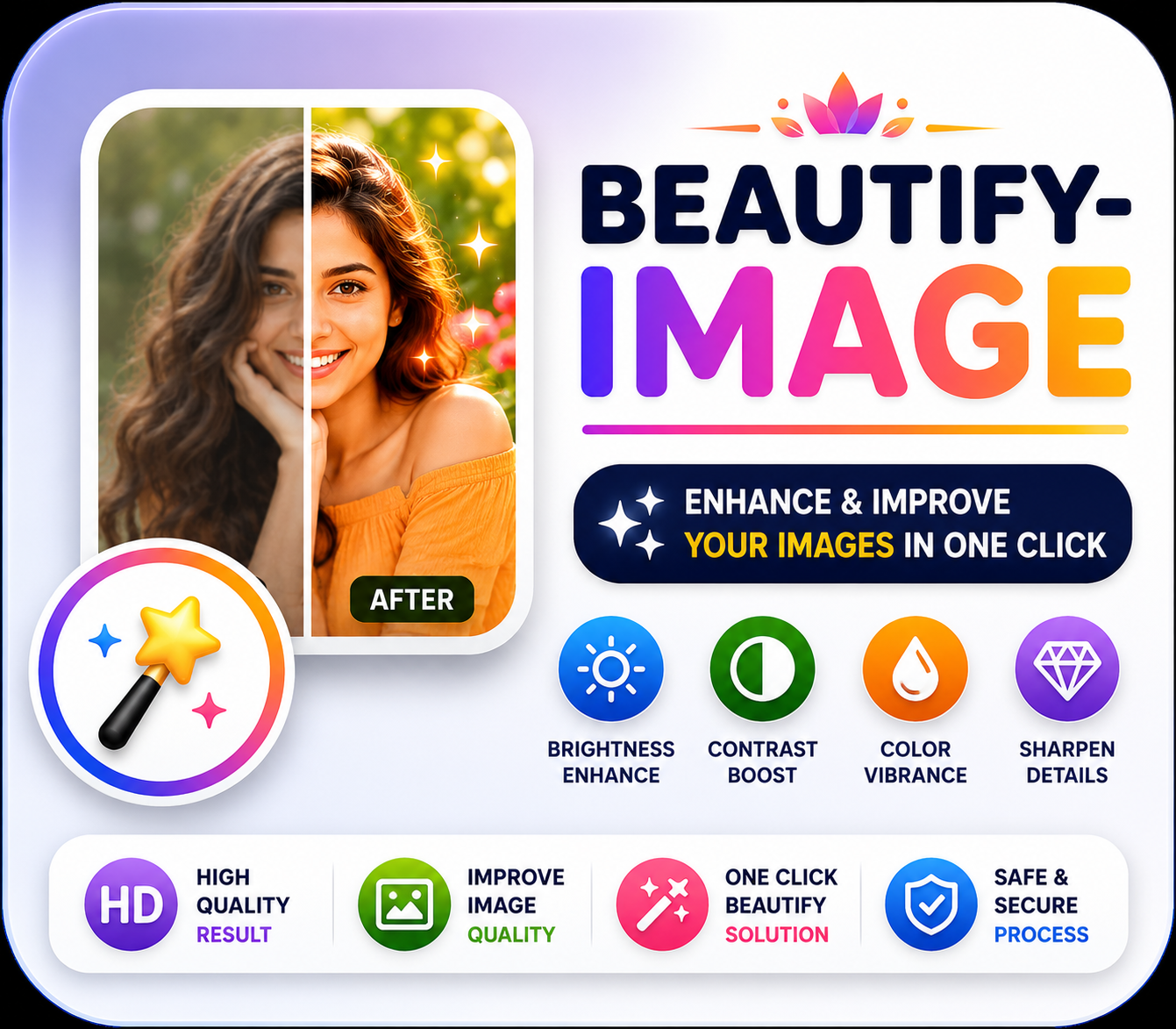
Beautify Image
Purpose: To clean up blemishes and give faces a bright, professional look in dull or spotted photos.
How to Use: Upload the photo and click the 1-click beautify button to see the magic.
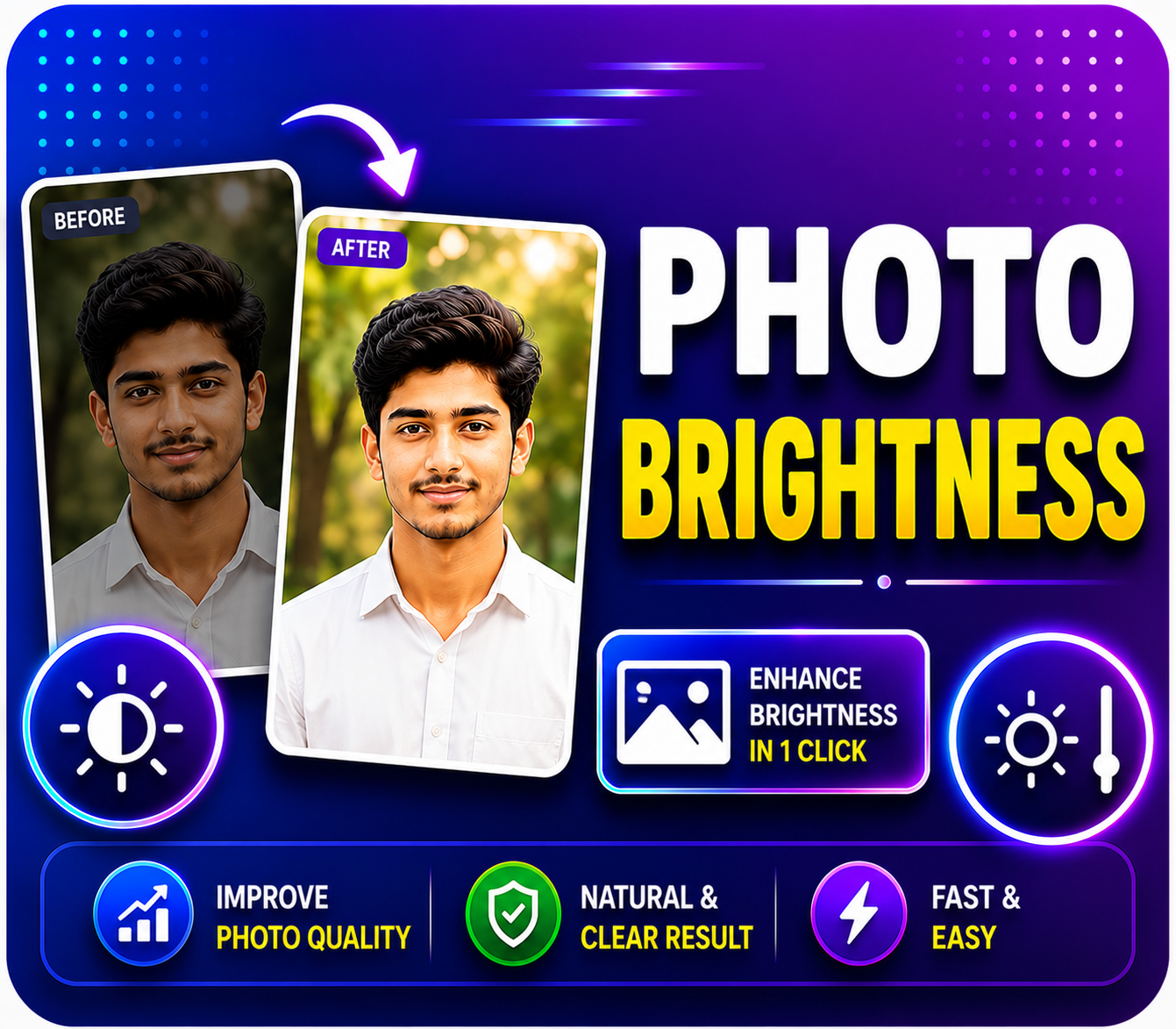
Photo Brightness
Purpose: To increase the light and clarity of dark or blurry photos ensuring they print out clearly.
How to Use: Upload the image, use the slider to adjust the brightness levels, and save.
Image To PDF
Purpose: To convert your JPG, JPEG, or PNG images into a single PDF document format.
How to Use: Select one or multiple images and click 'Create PDF' to instantly generate your file.
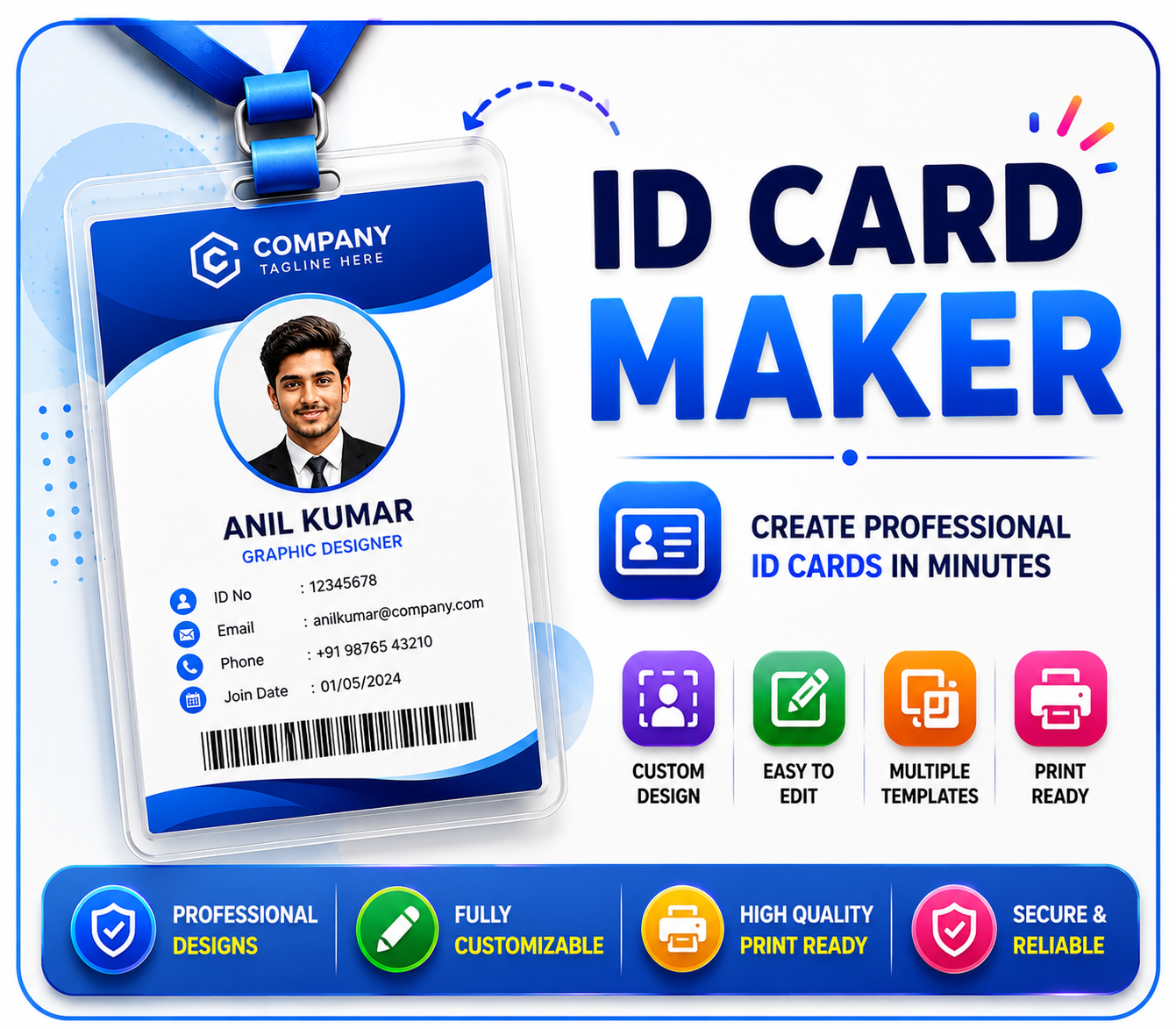
ID Card Maker
Purpose: To perfectly format ID cards like Aadhaar, E-Shram, or Voter ID onto an A4 size page for easy printing.
How to Use: Upload a photo of the ID; the tool will crop it to the exact ID size and format it to be print-ready.
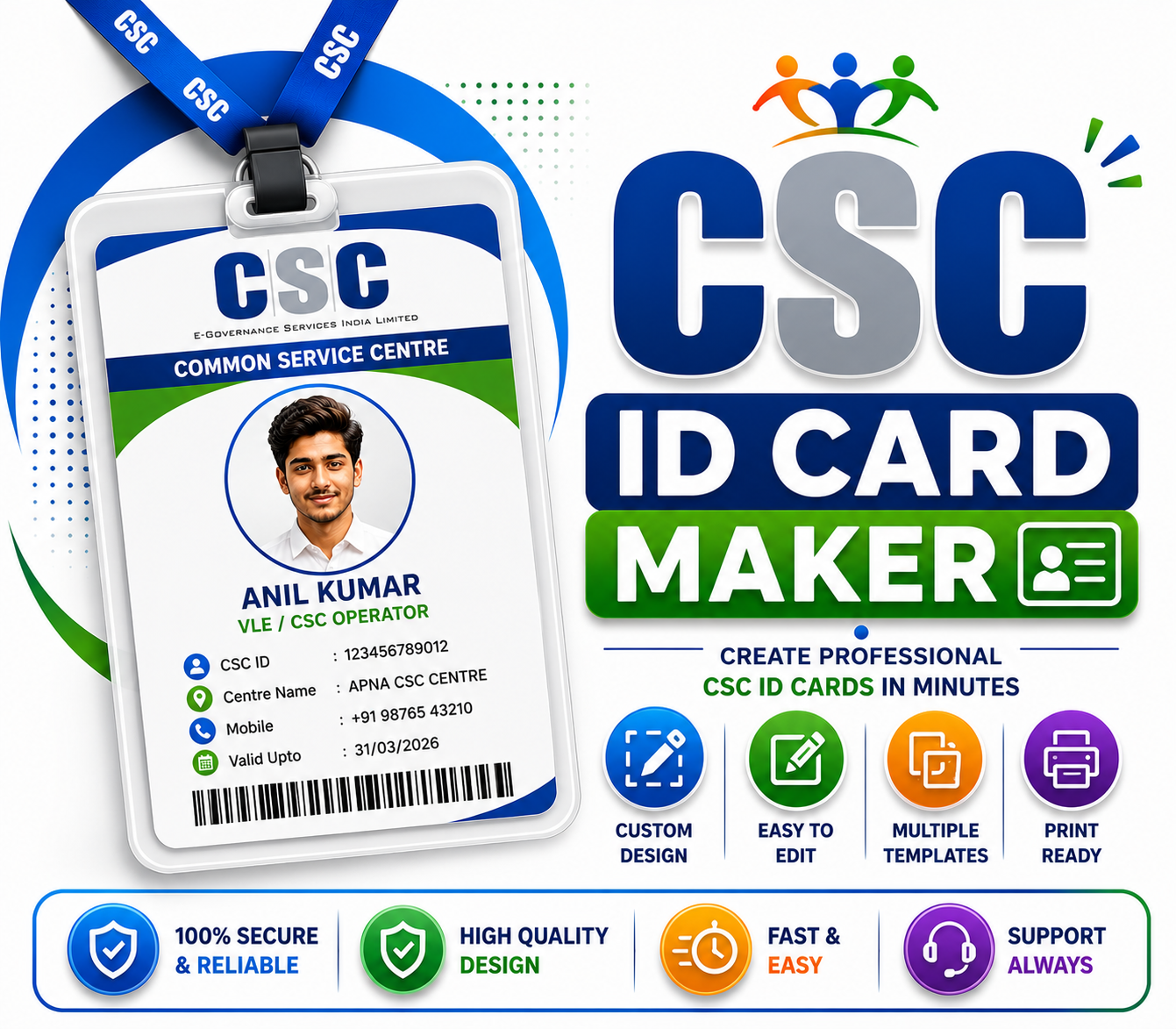
CSC ID Card Maker
Purpose: Specifically designed for CSC VLEs to format their official identity cards into perfect dimensions.
How to Use: Upload your VLE details and photo, and the tool will automatically generate your CSC ID card.
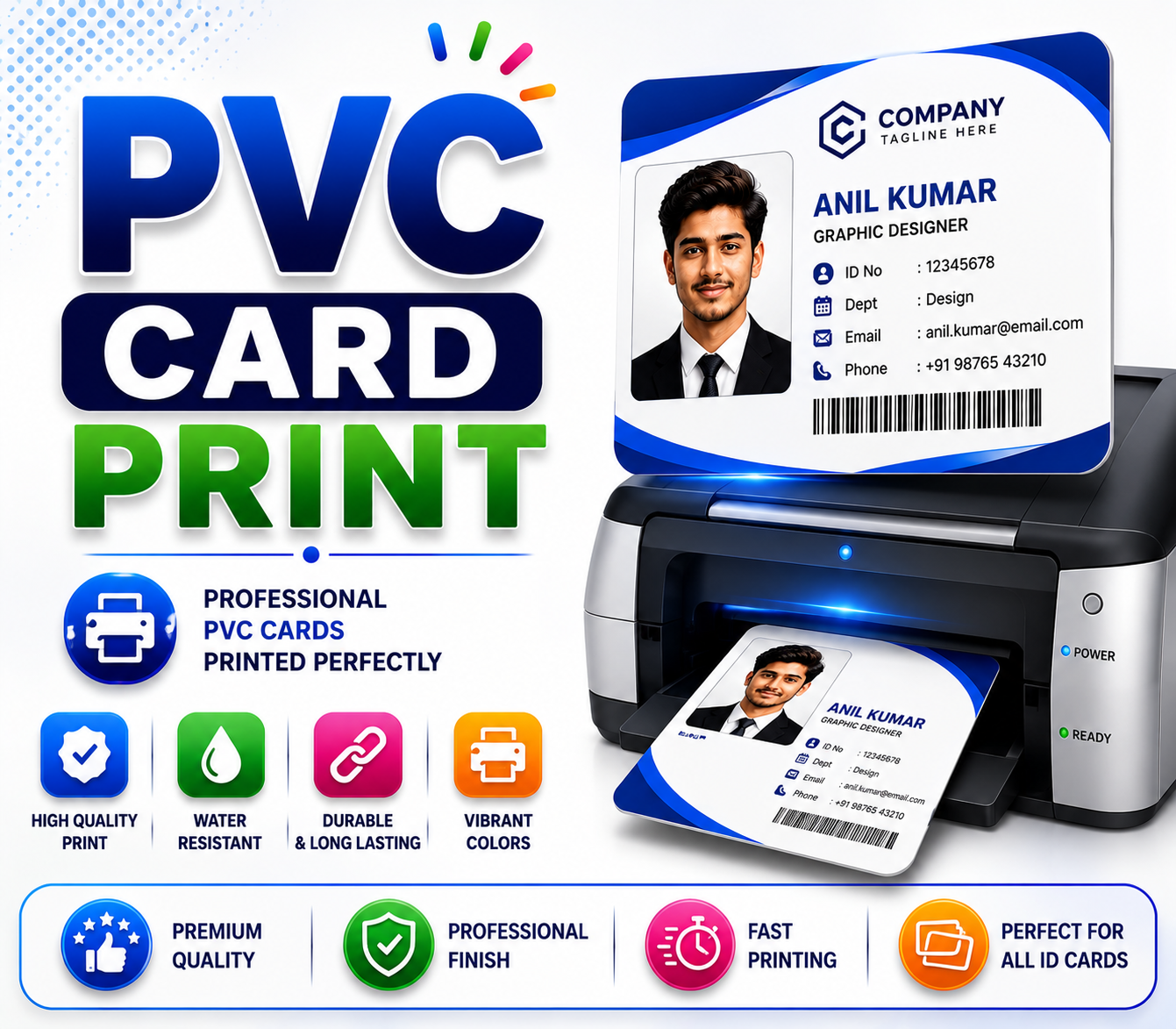
PVC Card Print
Purpose: To convert any digital ID into the exact CR80 PVC card size, making it ready for direct PVC printing.
How to Use: Upload the card file; the tool will adjust the margins for PVC printers, leaving it ready to print.
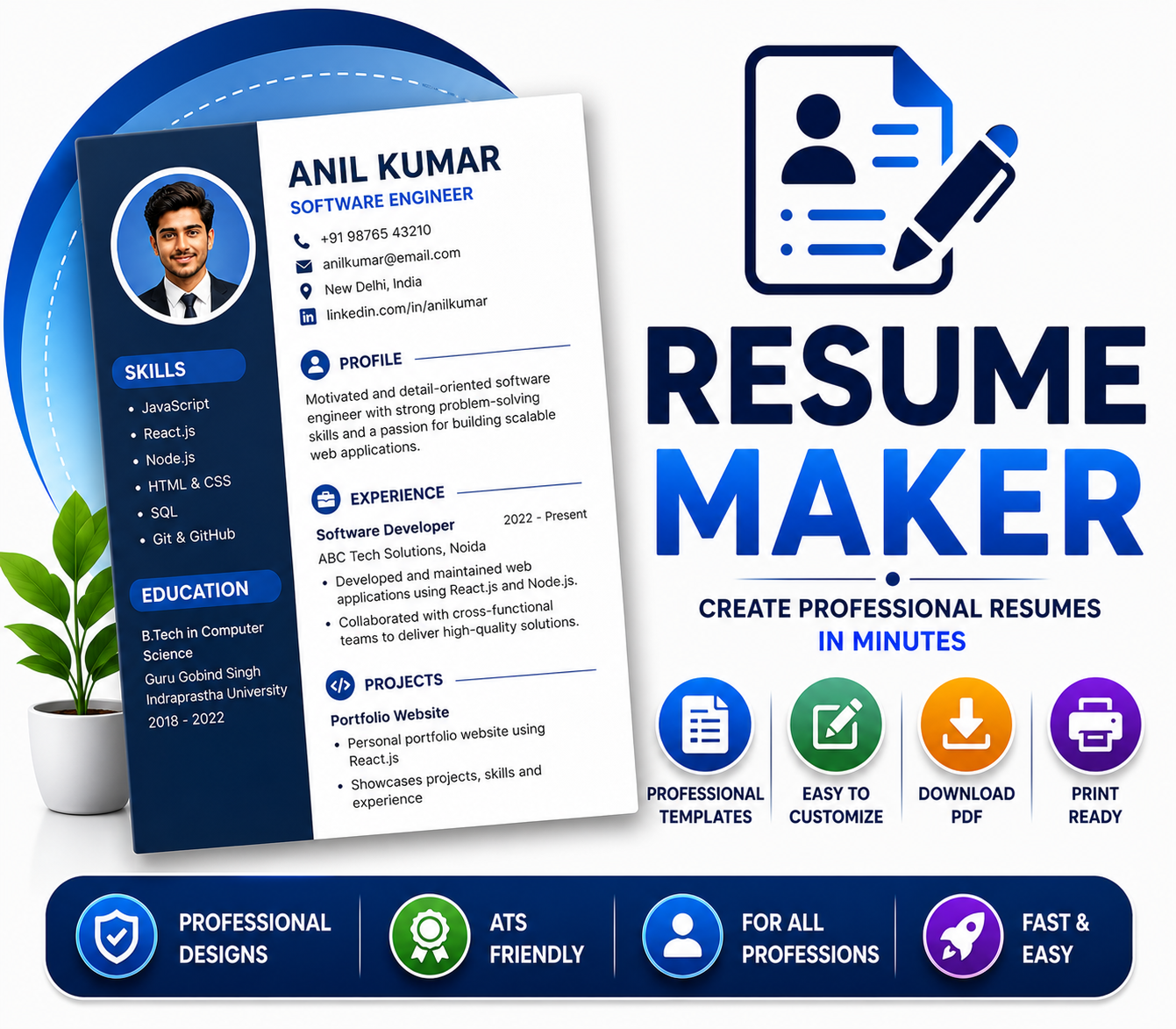
Resume Maker
Purpose: To create a professional and well-formatted CV or Resume in minutes for job applications and interviews.
How to Use: Fill in your name, education, and experience in the form, pick a template, and download the PDF.
Merge PDF
Purpose: To combine two or more separate PDF files into a single, cohesive PDF document.
How to Use: Select all the PDF files you want to merge, set them in order, and click 'Merge PDF'.
Compress PDF
Purpose: To reduce the file size (MB) of large PDF files so they can be easily uploaded to government portals without errors.
How to Use: Upload your file, choose the compression level (High/Medium), and download the smaller PDF.
PDF Resizer
Purpose: To fix and fit the pages of your PDF document to a standard print size, such as A4 or Letter.
How to Use: Upload your PDF, select the required page size, and save the perfectly scaled PDF file.
Edit PDF
Purpose: To edit PDF documents online, add text, delete pages, or insert new signatures effortlessly.
How to Use: Open the PDF file, make edits using the provided on-screen tools, and download the updated PDF.
Complete Guide to Smart CSC Tool for Online Forms
Learn how our advanced image processing and PDF compression algorithms help Internet Cafe Owners and CSC VLEs bypass strict portal restrictions seamlessly.
As a Common Service Centre (CSC) Village Level Entrepreneur (VLE) or a cyber cafe operator, formatting documents for government portals is a daily struggle. Every state portal, recruitment board, and central agency has strictly defined parameters for document uploads. A photo that is just 5KB over the limit or 10 pixels too wide results in an immediate application rejection. Smart CSC Tool is built specifically to solve these formatting challenges directly in your browser, without the need for heavy, expensive software like Photoshop.
Understanding UTI and NSDL PAN Card Requirements
Applying for a Permanent Account Number (PAN) through the UTIITSL or NSDL (Protean) portals requires strict adherence to image guidelines. The UTI portal demands that the applicant's photograph be exactly 213x213 pixels, scanned at 300 DPI, with a file size strictly under 30 KB. Similarly, the signature file must be scanned at 600 DPI and kept under 60 KB. Manually adjusting these DPI and pixel settings can take over 10 minutes per customer. Our specialized UTI Photo Resize Tool and NSDL formatting utilities automate this entire process. You simply upload the raw scanned image, and our algorithm instantly recalibrates the DPI, crops to exact pixel ratios, and compresses the binary size to meet the portal's exact criteria.
The Importance of Lossless PDF Compression
Many online application forms, such as those for EPF (Employee Provident Fund), Passport Seva, and state-level tenders, require users to upload multiple supporting documents merged into a single PDF file. However, these portals often restrict the maximum PDF file size to 1MB or 2MB. When you scan documents at readable resolutions, the resulting PDF easily exceeds 5MB. Our Compress PDF Tool utilizes advanced lossless compression techniques to shrink the file size by up to 80% while retaining the clarity of text and stamps. By removing unnecessary metadata and downsampling hidden image layers, we ensure your documents upload smoothly without timeout errors.
Instant ID Card and PVC Formatting
Beyond standard form-filling, VLEs are often requested to print high-quality ID cards for citizens, such as Voter IDs, E-Shram cards, or Ayushman Bharat cards. Printing these directly from downloaded PDFs often results in incorrect scaling. Our ID Card Maker and PVC Card Print Tool extract the core ID elements from your uploads and align them perfectly into a standard CR80 (86mm x 54mm) dimension. This ensures that when you send the file to a thermal PVC printer, the margins are perfectly cut, minimizing wastage of expensive PVC cards.
Security, Privacy, and Local Processing
We understand that you are handling highly sensitive customer documents. Privacy is our absolute priority. Smart CSC Tool operates primarily on client-side scripts, meaning most image manipulations like cropping and resizing happen locally inside your computer's web browser. For tools that require server-side rendering (like complex PDF merges), files are processed over a secure HTTPS connection and are automatically and permanently deleted from our temporary servers immediately after your session ends. We do not store, monitor, or harvest any personal data or documents uploaded through this platform.
How to Use Smart CSC Tool
1. Select Tool
Choose the specific tool you need from our collection.
2. Upload & Adjust
Upload your Document or Image, adjust the settings.
3. Download Ready File
Click process and download your perfectly formatted file instantly.
Frequently Asked Questions
Clear your doubts before getting started.
Is Smart CSC Tool completely free?
Yes! All our tools are 100% free to use. There are no hidden charges, no watermarks on your documents, and no registration required.
Are my documents and photos secure?
Absolutely. We respect your privacy. All file processing happens securely in your browser or is instantly deleted from our servers after processing.
Can I use these tools on my mobile?
Yes, our website is fully mobile-friendly. You can resize photos, compress PDFs, and format documents directly from your smartphone.
Which government portals are supported?
Our tools are specifically designed to meet the exact dimensions and DPI required by UTI, NSDL, Passport Seva, and other state CSC portals.